Start Doing
Introduce a promising practice the team is not using today.
- Pair on complex stories.
- Schedule earlier stakeholder reviews.
- Improve refinement before sprint planning.

Use five balanced prompts to decide what your team should start, stop, continue, reduce, and strengthen.
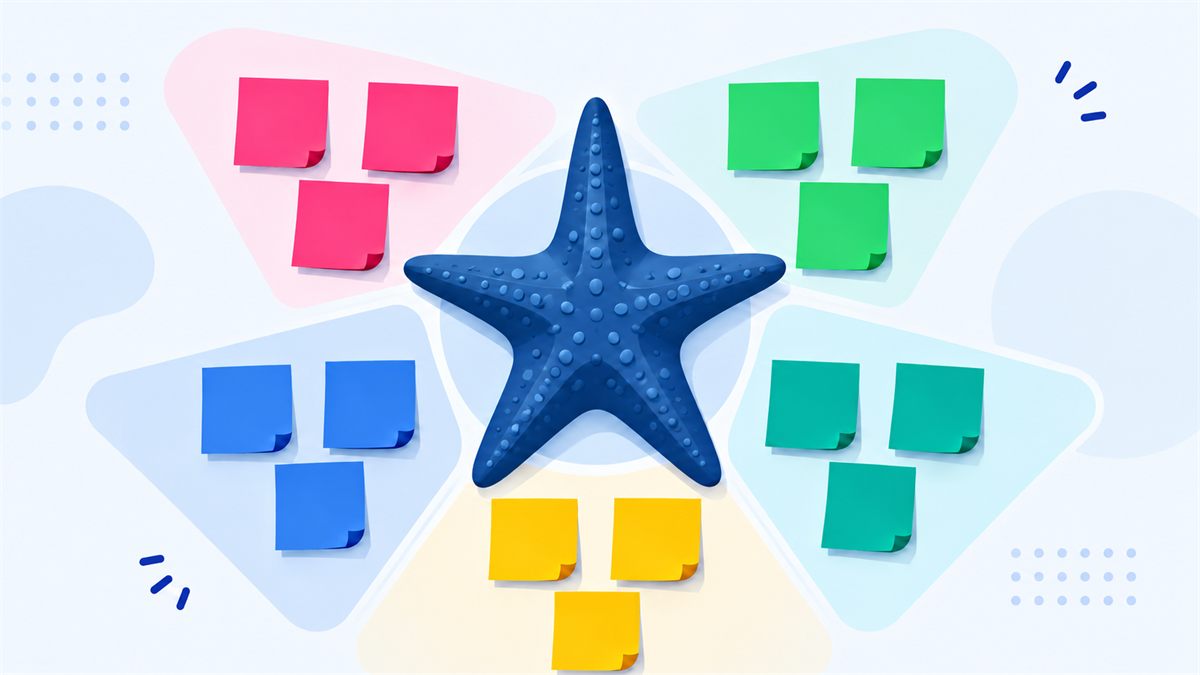
The Starfish Retrospective is a five-category Sprint Retrospective technique. Its prompts—Start Doing, Stop Doing, Continue Doing, Less Of, and More Of—help teams discuss change with more nuance than a simple keep-or-remove decision.
Teams use Starfish when familiar practices are not entirely good or bad. A useful activity may need less time; a successful habit may deserve more emphasis. That middle ground supports balanced continuous improvement and is especially effective for experienced teams ready to fine-tune how they work.
Introduce a promising practice the team is not using today.
Remove a habit that creates more cost than value.
Protect effective practices that consistently help the team.
Reduce an activity that has some value but currently consumes too much time or attention.
Increase a useful practice that is already producing positive results.
Use What Went Well examples to make Continue and More Of responses specific, and What Didn't Go Well examples to describe Stop and Less Of ideas without blame.
The Sprint Retrospective best practices guide offers more advice on psychological safety and follow-through. Browse broader retrospective examples for help writing actionable cards.
Start with a retrospective icebreaker when the group needs help warming up. For distributed teams, apply the participation guidance from remote Sprint Retrospectives.
The Start, Stop, Continue retrospective is faster and easier for teams new to structured reflection. Starfish adds Less Of and More Of when the team needs finer adjustments. Choose Mad, Sad, Glad when emotional impact is central, or the Sailboat Retrospective when goals, momentum, obstacles, and future risks should be explored together.
Interact with a live five-category Starfish board containing representative cards.
Free. No account. No setup. Just balanced reflection and practical action.
Create Free Session